A 3D tour is a link, so you can use it anywhere you can paste a link. The best spots are the pages where someone is deciding whether to visit or book: your website, your social profiles, your email signature and your booking or contact page. Photos, not the tour, are what go on your Google Business Profile.
That sounds simple, and it is. The trouble is that many owners get a tour, put it on one page nobody visits, and forget it. Here is how to avoid that.
What exactly do you get with a 3D tour?
We build commercial tours with Giraffe360 and hand you a link. You embed it or share it wherever you like: a website, social posts, email, booking pages. Giraffe360 describes sharing tours across property websites, emails and social media, and says you can host, share, protect and track tours from its Content Studio.
Because it is one link, you do not need to keep separate versions for each place. Update the tour once and the link stays the same.
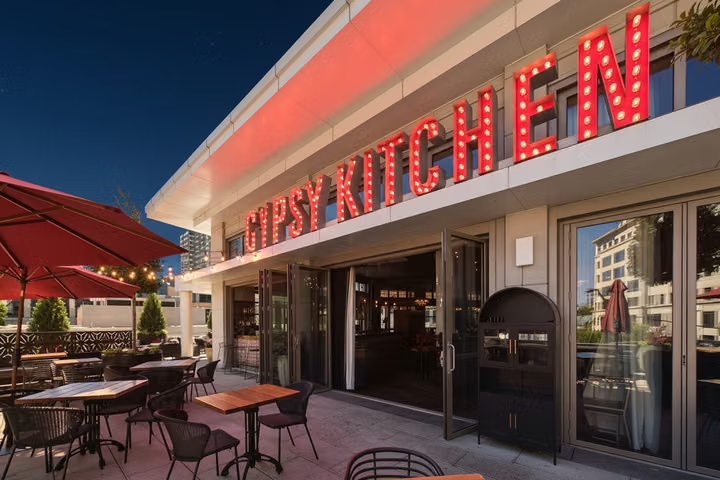
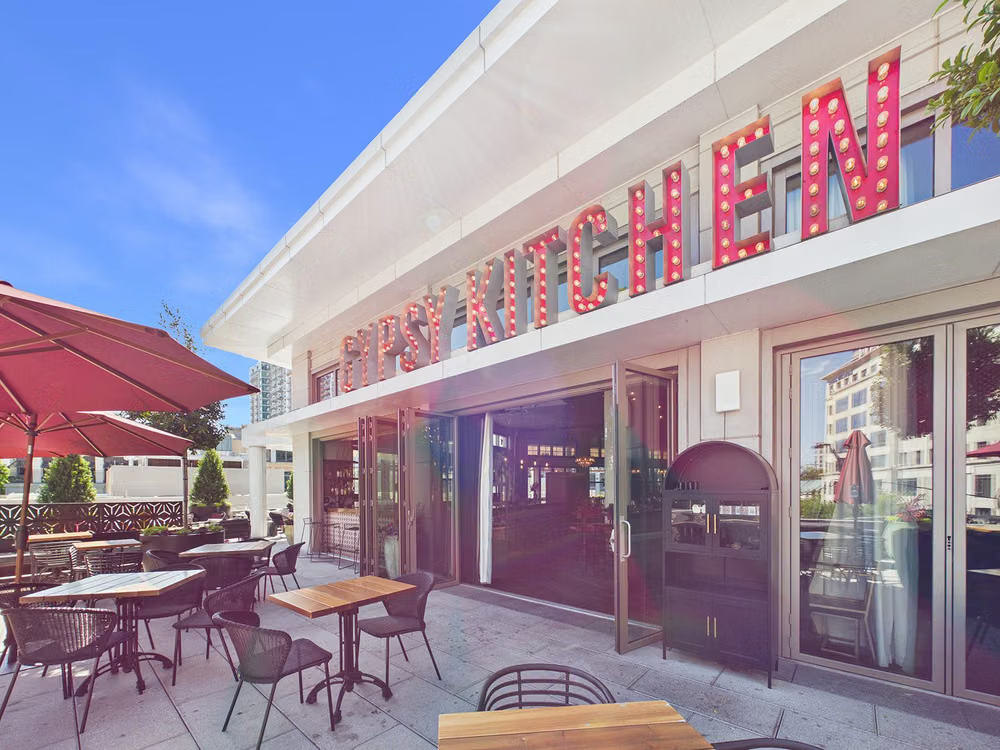 The entrance at Gypsy Kitchen in Buckhead, Atlanta. A good tour starts outside, so people recognize the place when they arrive.
Should the tour go on your website?
Yes, and this is the first place to put it. Think about who lands on your site: someone comparing you with two other restaurants, a couple looking at event spaces, a parent checking out a boarding facility. They want to see the room.
Good spots on a website:
- The home page, as a button or a section, if the space is a big part of why people choose you.
- A “Visit” or “Private events” page, where people are already asking what the room is like.
- Your booking or contact page, so a hesitant visitor can look around before filling in the form.
You can embed the tour right in the page or link to it. Embedding keeps people on your site. A link is simpler and works on every website builder. We cover the steps in our article on how to embed a 3D tour on your website.
What about your Google Business Profile?
Here is where people get confused, so let us be plain. The tour is a link for your website, social posts and emails. What your Google Business Profile is built for is photos.
Google asks that photos be in focus, well lit, without heavy filters, and that the image represent reality. A professional photo set from the same visit as your tour meets that standard. Put the best exterior, interior and food or service shots on your profile, and keep the tour link on your website. We go deeper in do photos help your Google Business Profile.
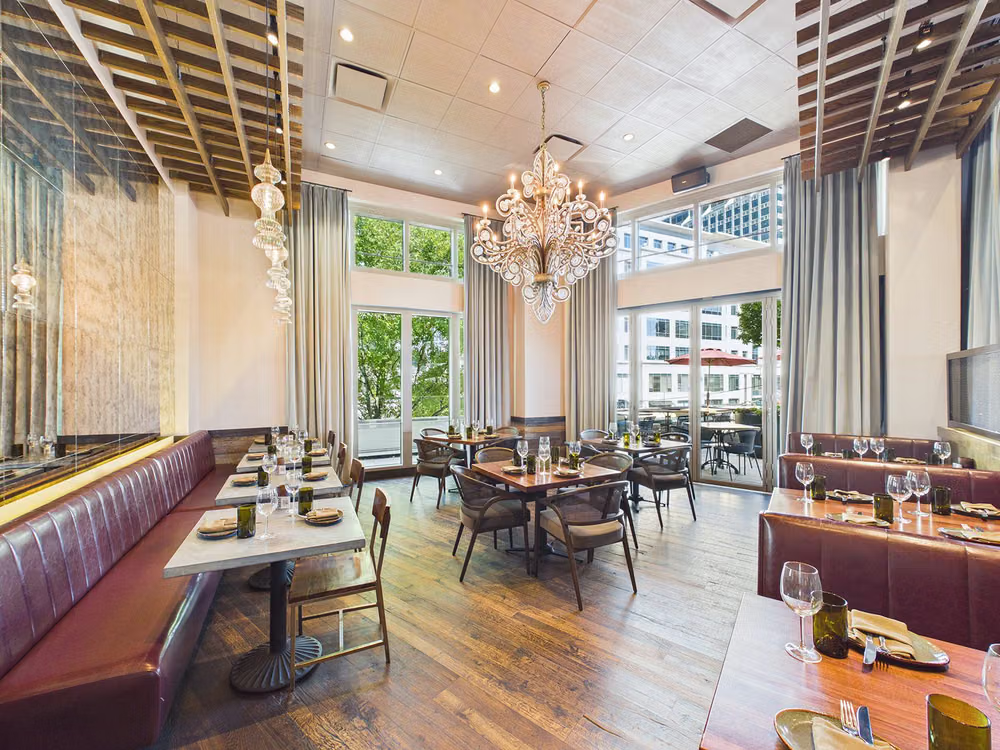 A dining room at Gypsy Kitchen. The same visit that makes the tour also produces photos like this one.
Social media and email
A tour link works in a social bio, a pinned post, a story link or a post caption. It also works in your email signature, which quietly reaches everyone you write to.
Some ideas that cost nothing:
- Put the link in your Instagram or Facebook bio under a short label like “Take a look inside.”
- Share it in a post when you announce private dining, a new patio or a seasonal event.
- Add it to the email you send when someone asks about booking a space.
- Mention it in event inquiry replies: “Here is a walkthrough so you can see the room.”
We also deliver website-ready and social-ready photos, so one visit gives you both the walkthrough and the images for the posts.
Where else does a tour help?
Think about the moments when a customer has a question the room can answer.
- Event and private dining inquiries. Link the tour in your reply so the client can see the space before a site visit.
- Printed materials. A QR code on a menu insert, flyer or table card can send people to the tour.
- Staff onboarding. New hires can look around before day one. Only do this if it suits your business.
- Partner and vendor emails. Caterers, planners and florists often want to see a space before they quote.
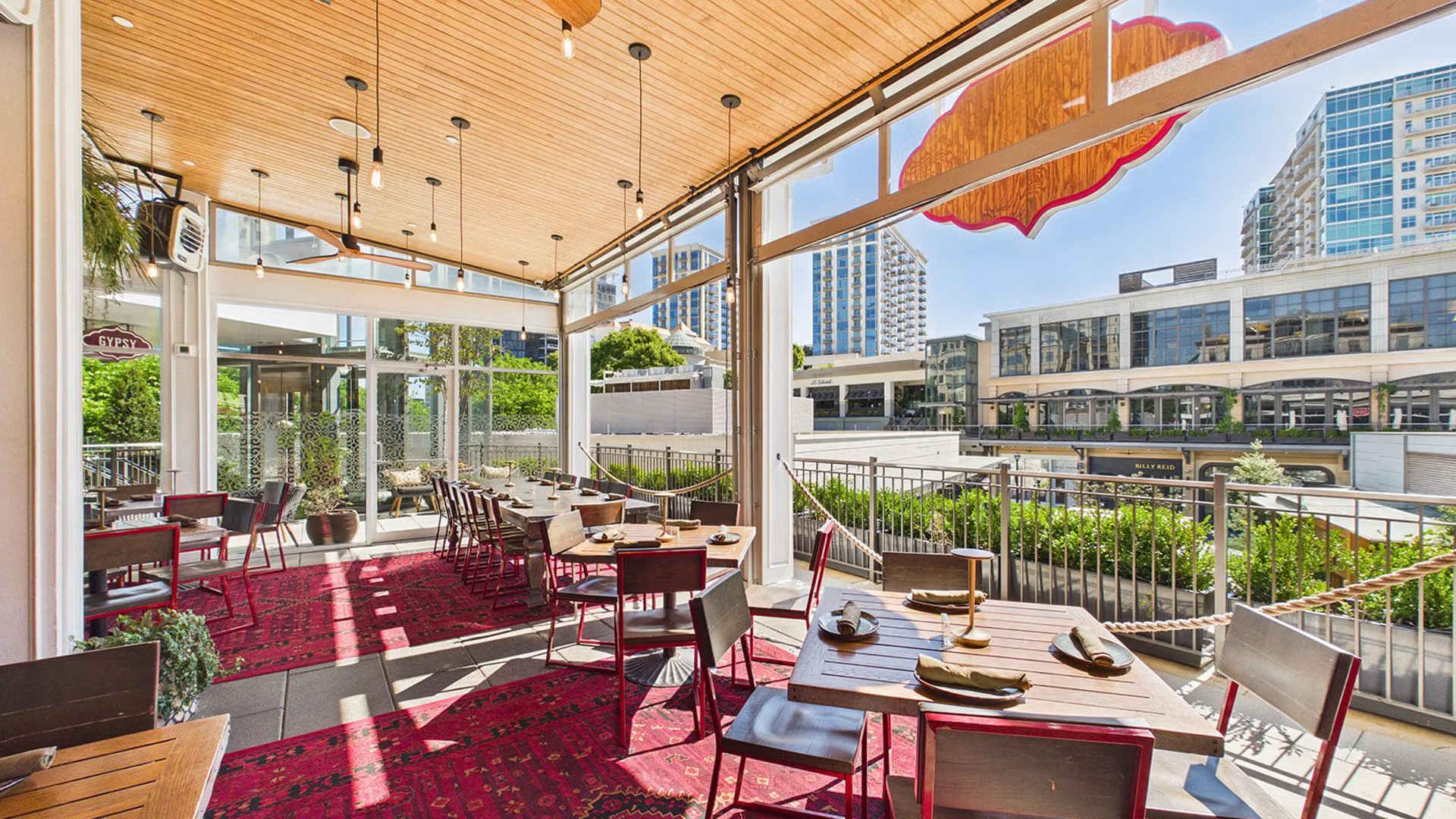
For a restaurant like Gypsy Kitchen, with a dining room, bar, terrace and rooftop lounge, a tour lets someone see how the pieces connect. You can try the Gypsy Kitchen restaurant tour yourself.
How do you pick the first two places?
Start with a quick audit. Ask yourself which pages or messages come right before a customer books, calls or walks in. Those are your first two spots.
For many businesses that means the website page about the space, and the reply to an inquiry. Add social and email once those are working.
Then open the link on your own phone from each place. If it is hard to find or slow for you, it will be for customers.
What does it cost to keep a tour online?
A small yearly hosting fee applies to commercial tours, paid by the client. It is typically under $50 a year depending on the size of the project. The tour itself is quoted per job, since every commercial space is different. Our guide to what a business virtual tour costs explains what moves the price.
The bottom line
Treat the tour like a link you hand to people who are about to decide. Put it on your website, in your inquiry replies and in your social bio, keep photos on your Google profile, and check it on a phone. Two good placements beat a dozen forgotten ones.
If you would like a tour and a photo set for your restaurant, venue or shop, tell us about your business.